Vehicles and cameras at once
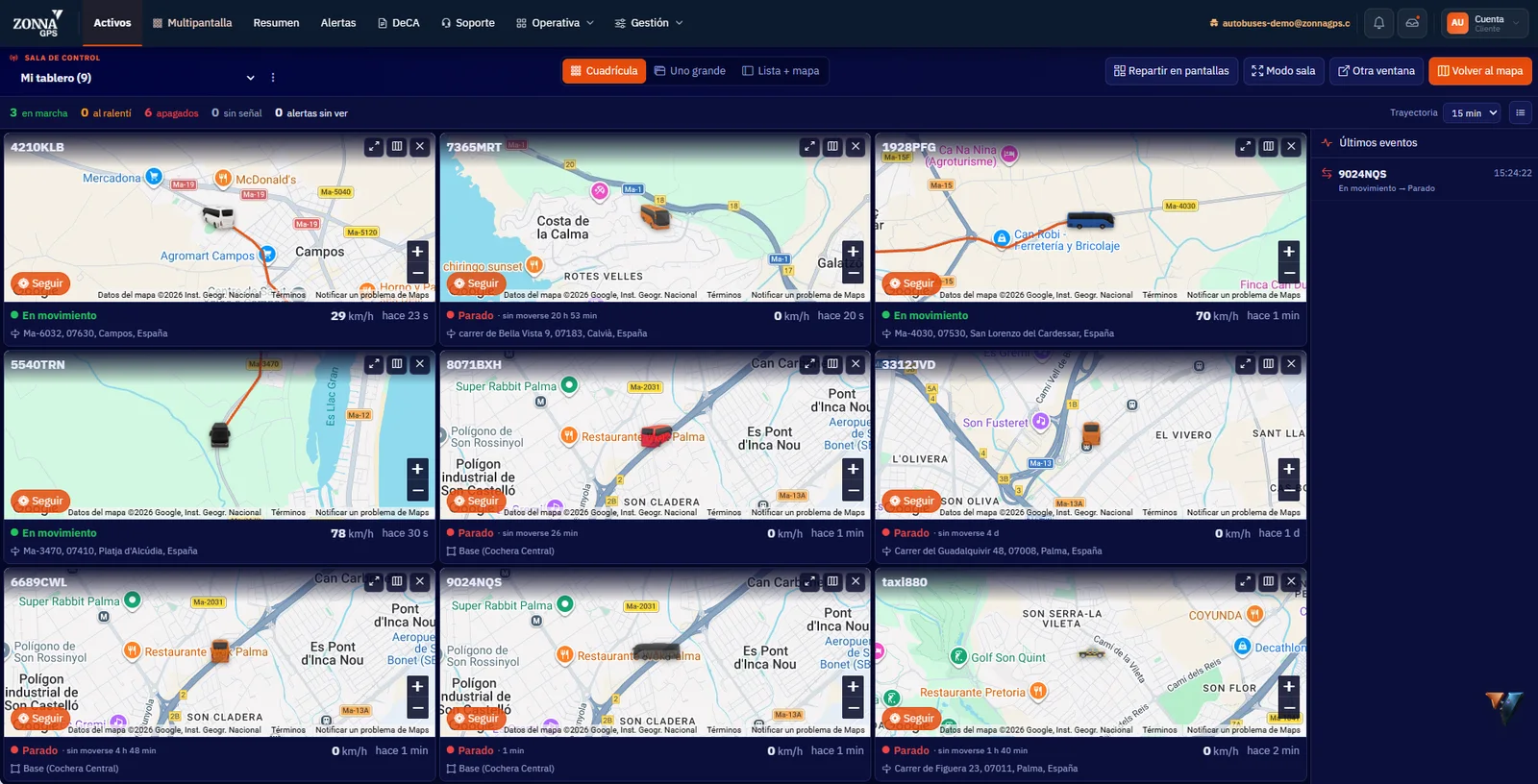
Choose how to view the fleet: as a grid, with one vehicle enlarged, or with the list and the map side by side.
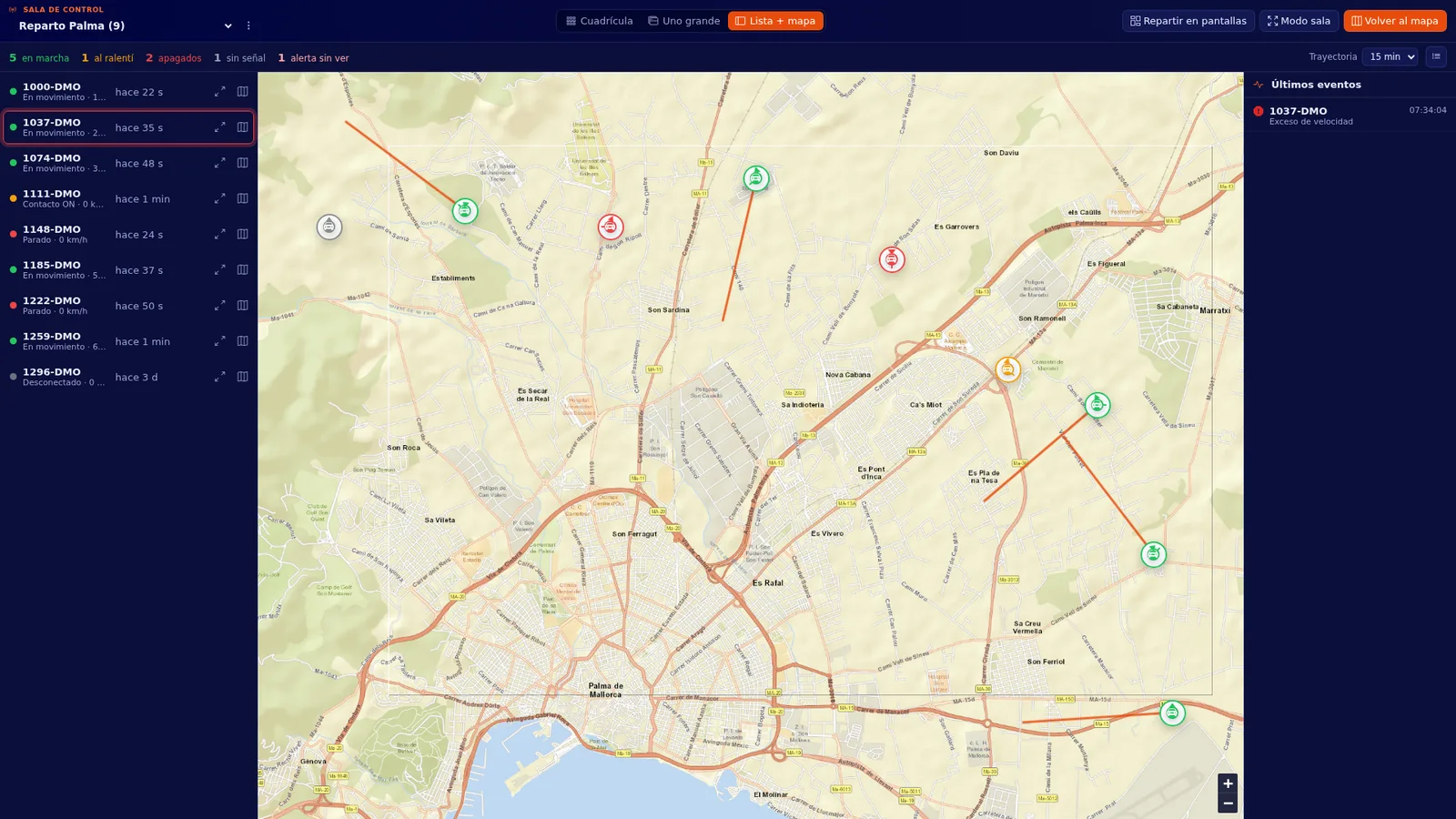
Multi-screen view · Control room
Many vehicles and cameras at once, spread across as many monitors as you need. When something happens, you see it straight away.
What you can do
Choose how to view the fleet: as a grid, with one vehicle enlarged, or with the list and the map side by side.
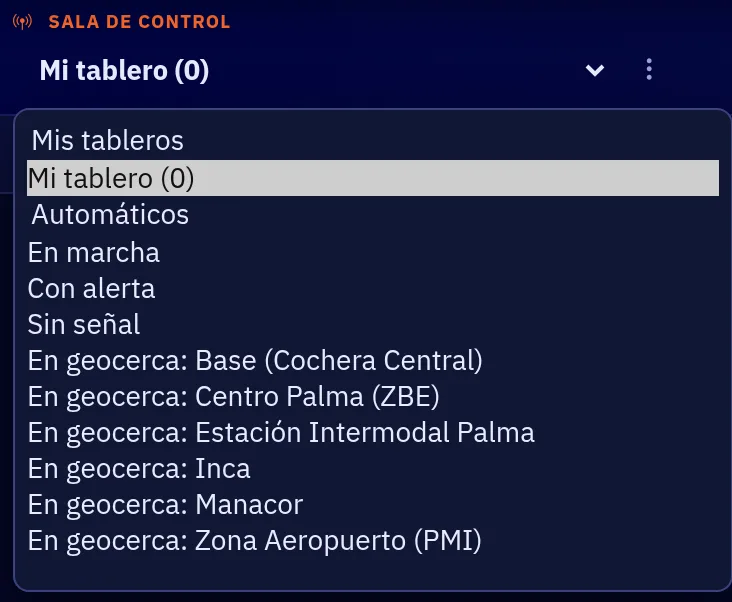
Save your dashboards with a name and get back to them in one click. The platform also prepares automatic dashboards for you:
Spread the view across 2 to 4 monitors and switch on “Room mode” to work as you would in a control centre.
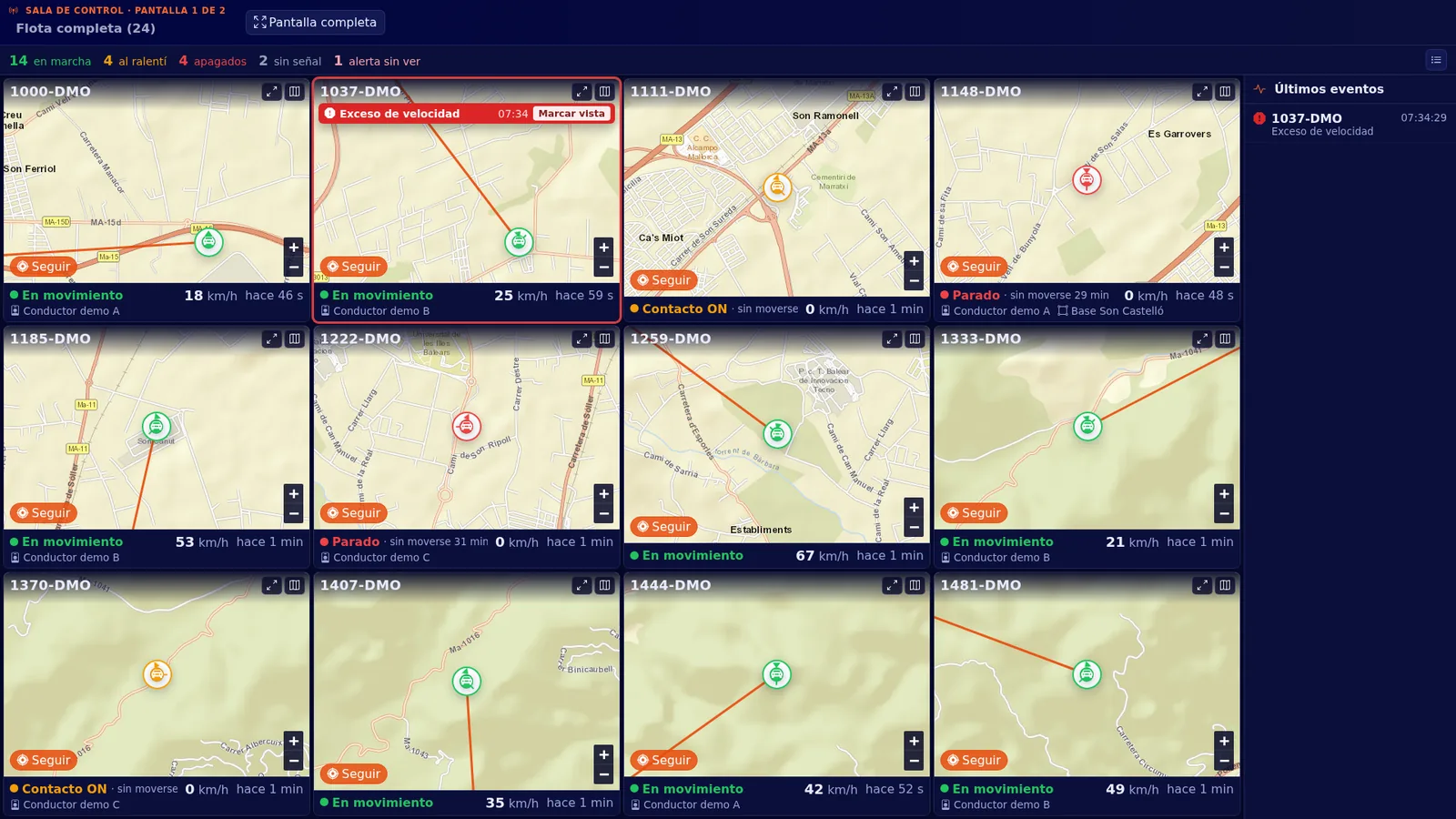
When an alert comes in, the vehicle’s tile flashes red. Nobody has to keep watching the screen to find out.
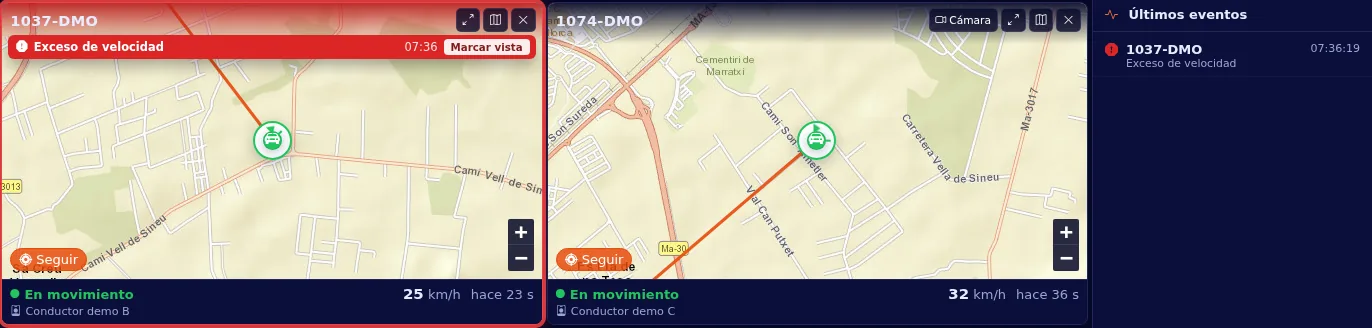
Move any section to another window or monitor: Alerts, Summary, Reports, DeCA (Spain’s electronic transport control document), Routes, Drivers… The platform remembers where you left it.
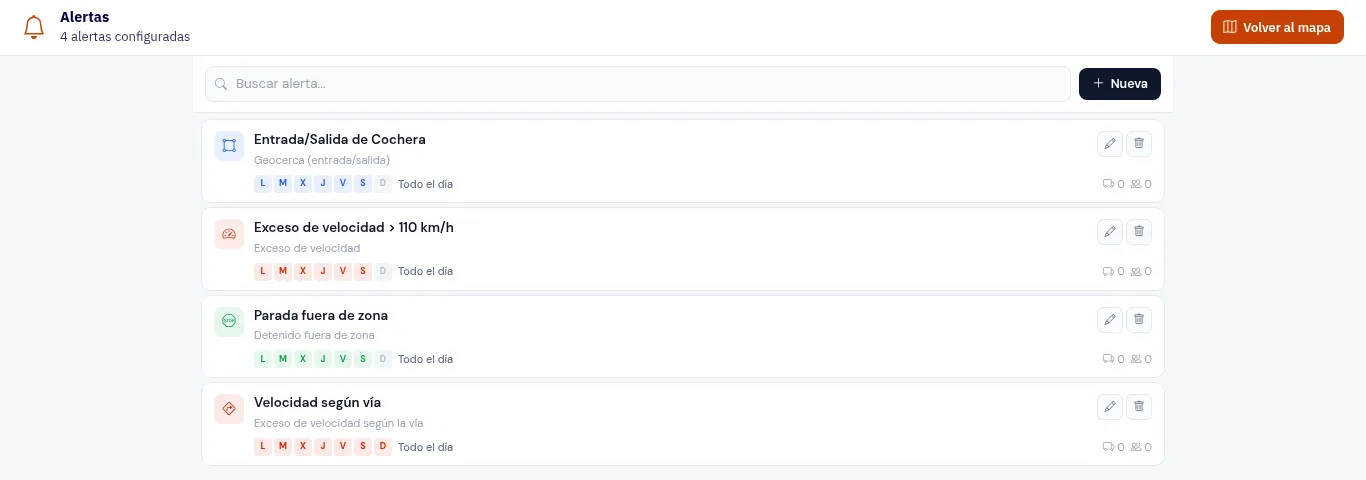
How it works
Grid, one vehicle enlarged, or list with map, showing the vehicles and cameras you want.
Give it a name or use the automatic ones: On the move, With an alert, No signal and In a geofence.
From 2 to 4 monitors, with “Room mode” and sections in separate windows.
FAQs
For ambulance control centres, security, passenger transport and large fleets that need to see many vehicles and cameras at once.
From 2 to 4 monitors. You also have “Room mode” and can move any section to another window or monitor.
Dashboards the platform prepares by itself: On the move, With an alert, No signal and In a geofence. You can also save your own with a name.
When an alert comes in, the vehicle’s tile flashes red.
Contact
Ask for more information, request a free demo or get started with us.
Geofence How fast can you get your fleet under control?
Inside: 0/7Congratulations!
Fleet under control in 0 sec.
Your prize: free delivery
One use per customer in the ZonnaGPS online shop.