Continuous recording from the moment it starts
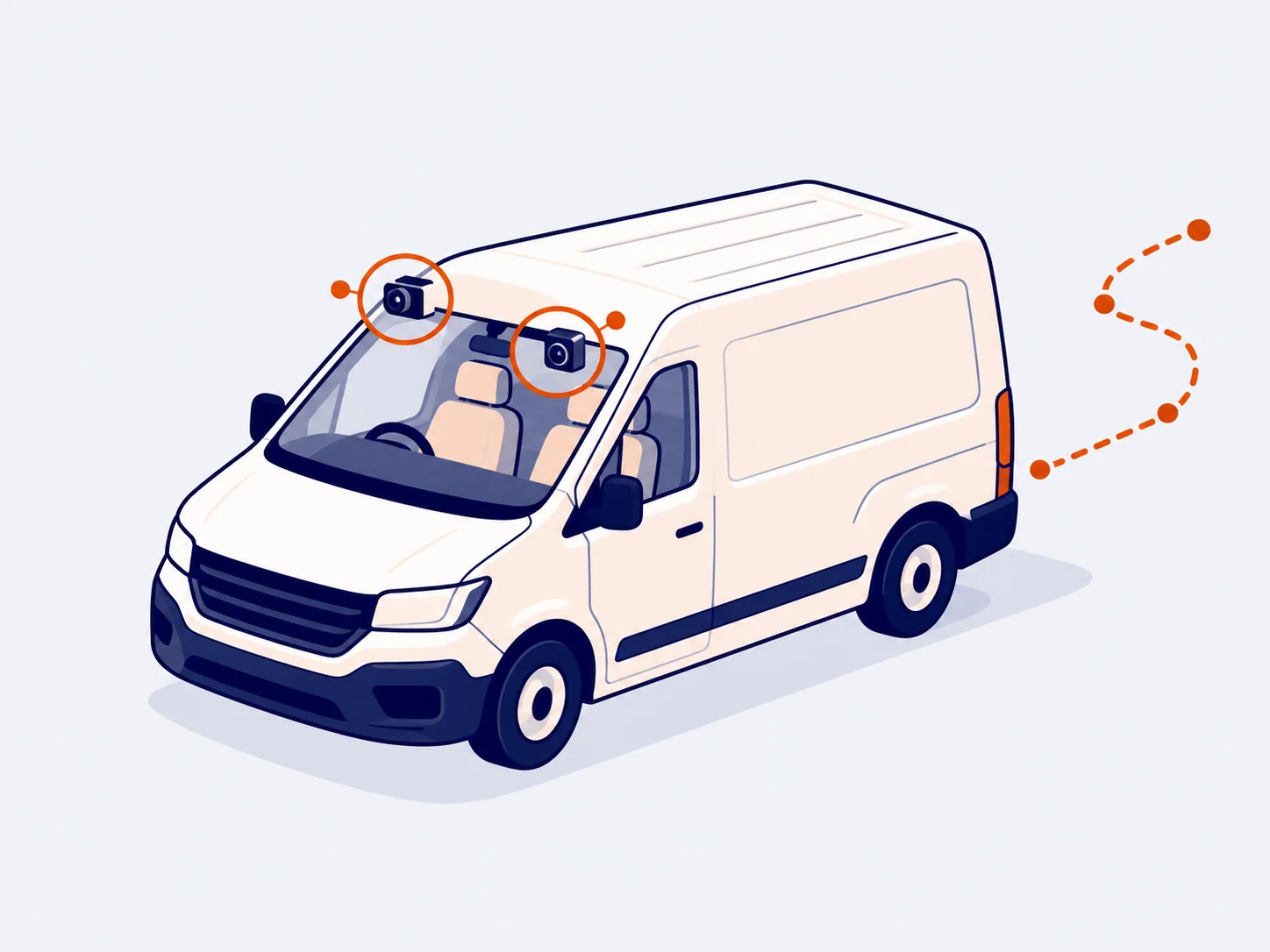
With the ignition on, the camera records the road and the cab on its own. The driver doesn’t have to press anything or remember anything. We switch on continuous recording when we install it.
GeoCam · Video for fleets
With the ignition on, the camera records the road and the cab by itself. You find and download the exact moment on the web.
What you can do
With the ignition on, the camera records the road and the cab on its own. The driver doesn’t have to press anything or remember anything. We switch on continuous recording when we install it.
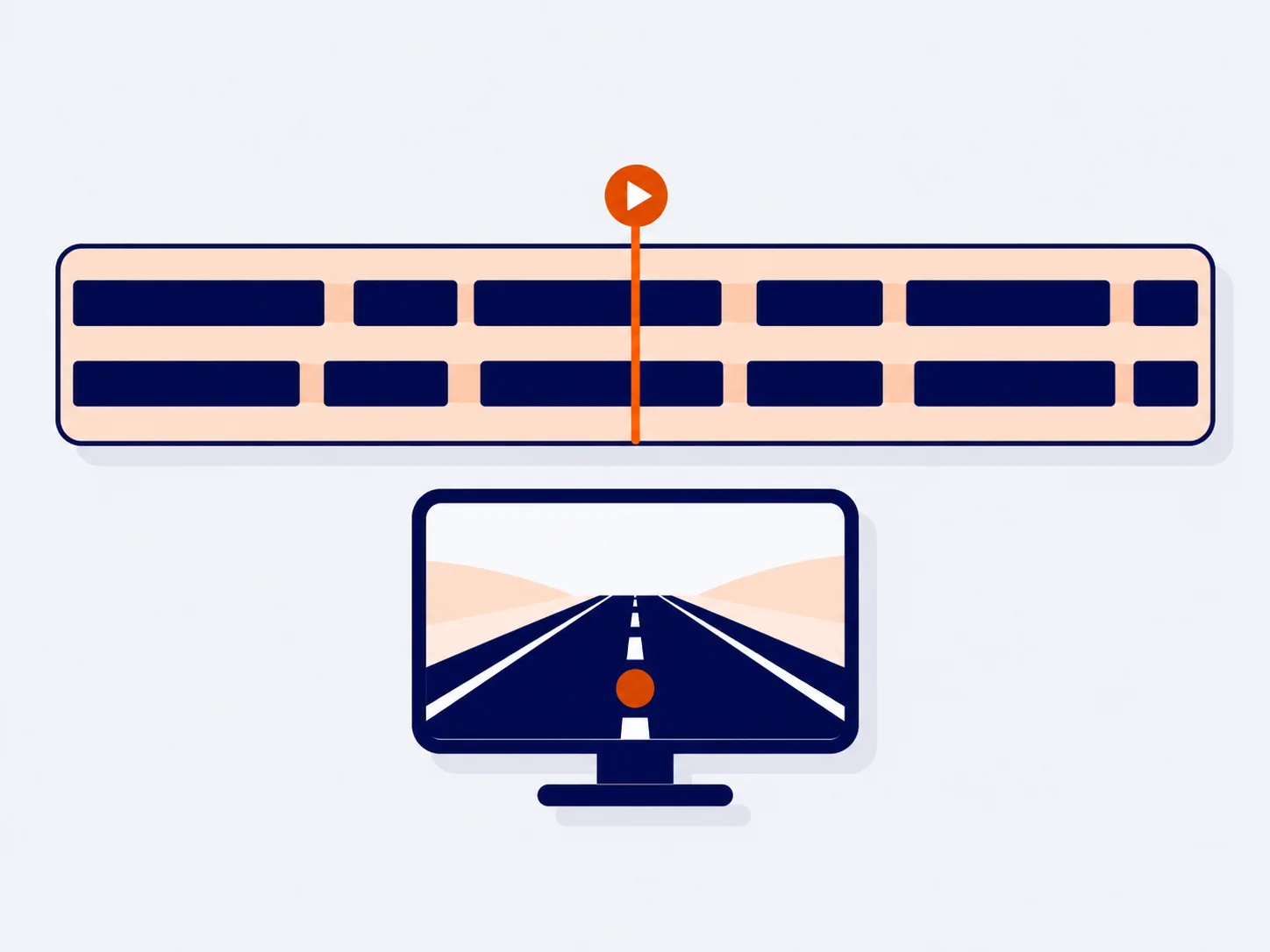
You see the whole day on a bar showing the recorded sections of each channel. Press play and the video runs straight through, without opening one file after another.
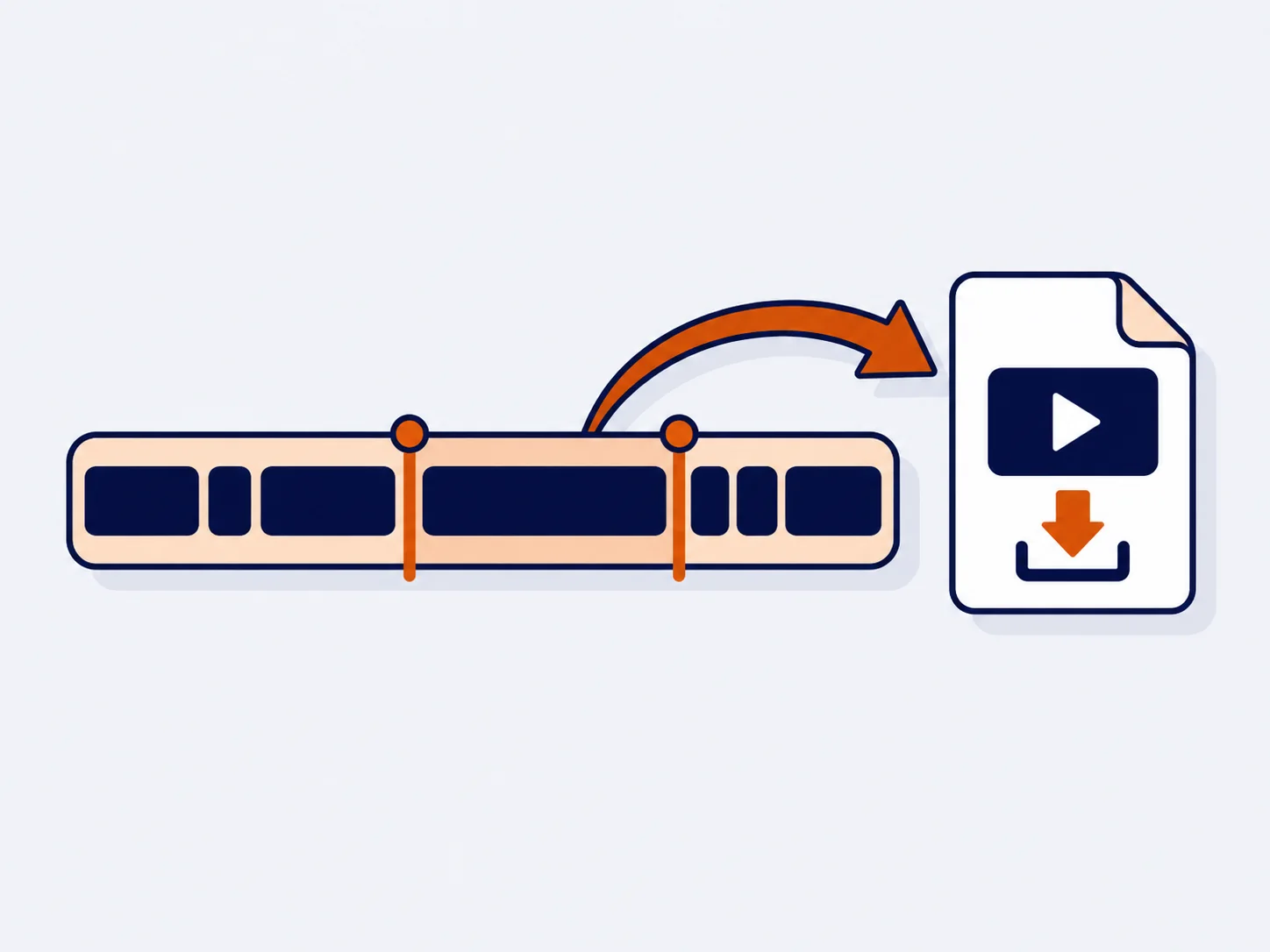
Mark the start and end to the second and download that section. If what you’re looking for spans several minutes, they’re joined into a single video.
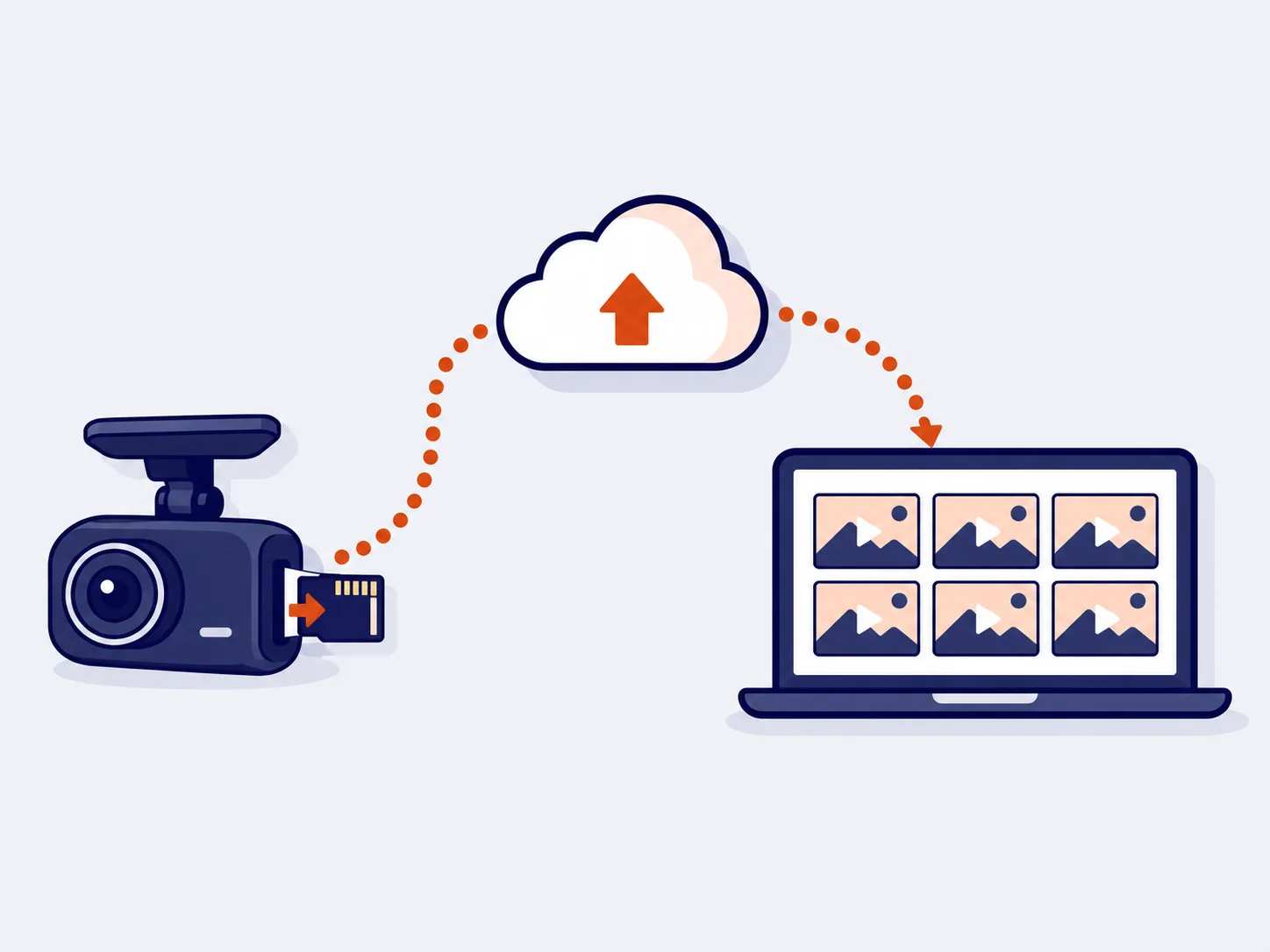
Ask the camera for the list of videos on its SD card and download what you need remotely. You can filter by:
Open live video from any vehicle on the web or in the app.
Recorded video is deleted automatically after a while. Anything you mark as evidence is kept.
How it works
We set up the GeoCam in your vehicle and switch on continuous recording.
With the ignition on, the camera records the road and the cab without anyone having to step in.
Review the day in the viewer, mark the exact section and download it or save it as evidence.
FAQs
No. With the ignition on, the camera records the road and the cab by itself. We switch on continuous recording when we install it.
Yes. You mark the start and end to the second, or join several minutes into a single video.
No. You ask the camera for the list of videos on its card, by channel, day and time slot, and download them remotely.
Video is deleted automatically after a while, except anything you mark as evidence, which is kept.
Yes, on the web and in the ZonnaGPS app.
Online shop
Sign up for your plan and get the GPS tracker delivered to your door through the online shop for GPS trackers and fleet management plans.
Contact
Ask for more information, request a free demo or get started with us.
Geofence How fast can you get your fleet under control?
Inside: 0/7Congratulations!
Fleet under control in 0 sec.
Your prize: free delivery
One use per customer in the ZonnaGPS online shop.