Due dates by vehicle
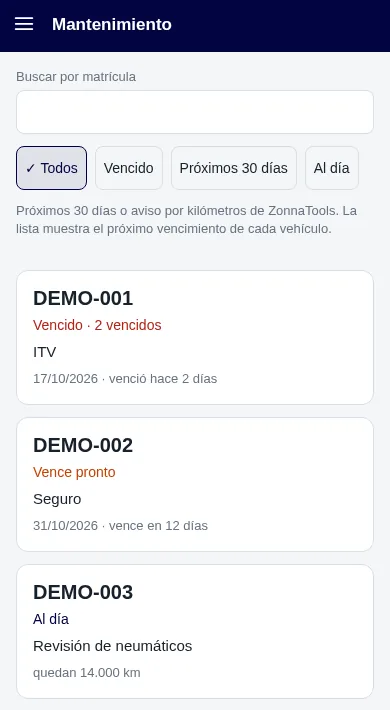
Each vehicle has its own due dates. You see at a glance what is due and on which vehicle.
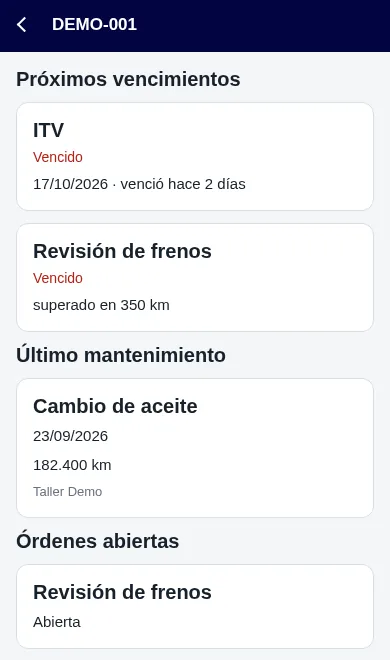
Maintenance · Due dates and work orders
Due dates and work orders for each vehicle, visible on the map, in its record and in the app.
What you can do
Each vehicle has its own due dates. You see at a glance what is due and on which vehicle.
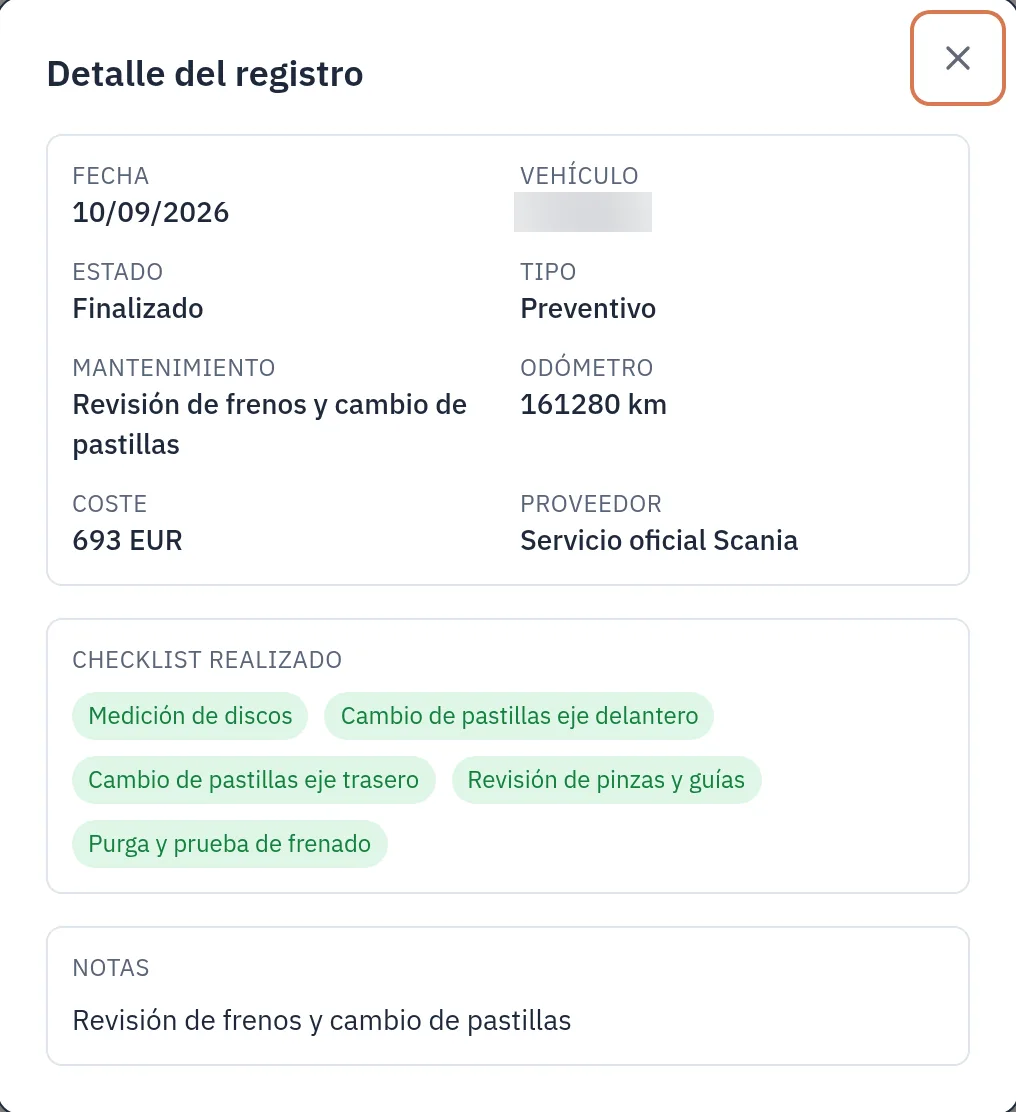
Open and view each vehicle’s work orders from its record.
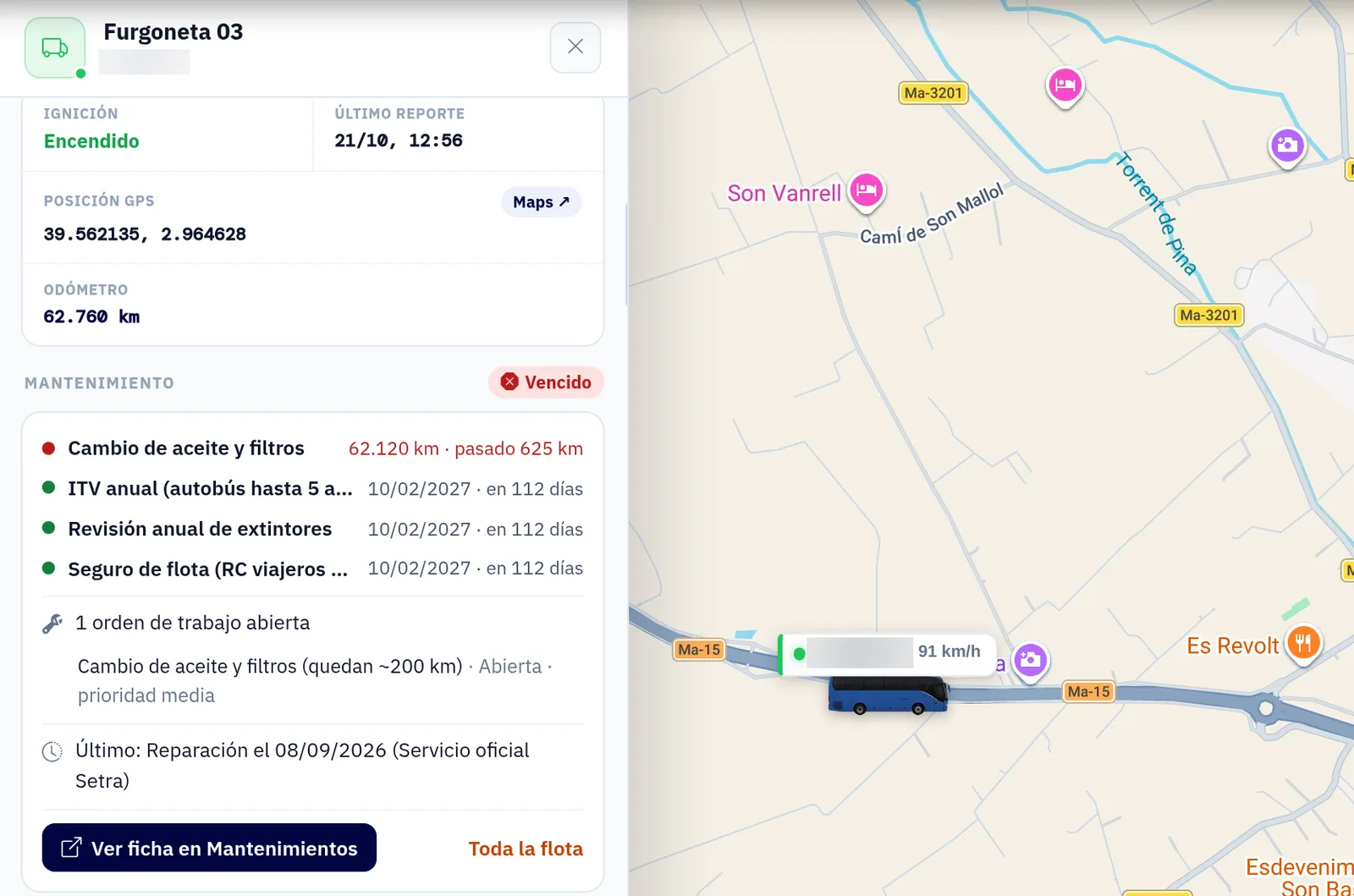
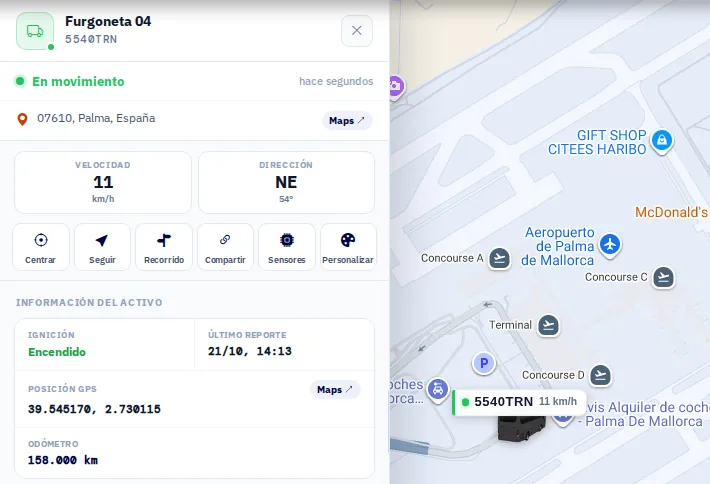
Maintenance shows up where you already work: on the map, in the vehicle record and in the mobile app too.
The odometer is read from the vehicle itself where possible. If not, it is set once and from then on it keeps count automatically. Everyone works with the same mileage figure.
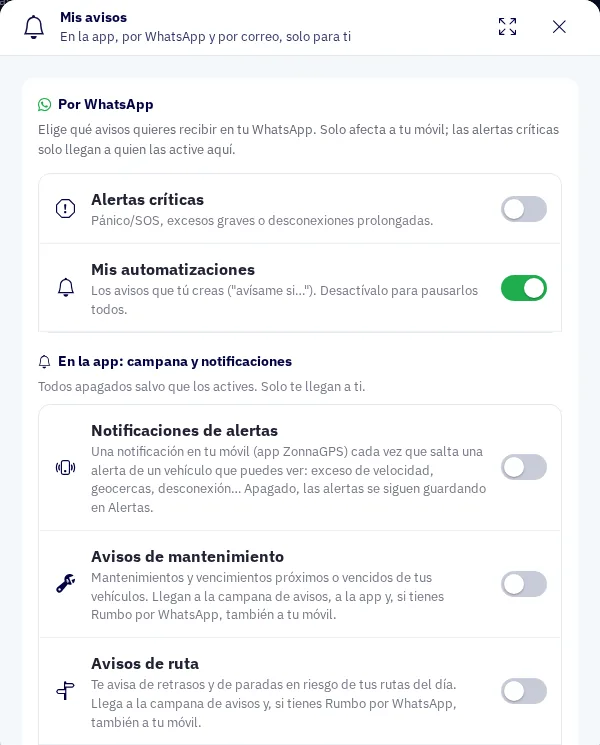
In “My notifications”, each user chooses whether maintenance notifications reach them by phone notification, email or WhatsApp. And the maintenance cost appears in the fleet summary.
How it works
If the vehicle doesn’t provide its odometer reading, you set it once and it keeps count automatically.
By vehicle, from the web or from the app.
Choose in “My notifications” whether they reach your phone, your email or WhatsApp.
FAQs
The due dates and work orders for each vehicle.
On the map, in the vehicle record and in the mobile app too.
The odometer is read from the vehicle itself where possible. If not, it is set once and from then on it keeps count automatically.
In “My notifications” you choose whether maintenance notifications reach you by phone notification, email or WhatsApp.
Contact
Ask for more information, request a free demo or get started with us.
Geofence How fast can you get your fleet under control?
Inside: 0/7Congratulations!
Fleet under control in 0 sec.
Your prize: free delivery
One use per customer in the ZonnaGPS online shop.